 VECTOR BOOK
Vector
Book
Book design and typesetting for vector humanities editions and translations. Markdown in, through Pandoc and Typst, a printed book out, in five designs.
Covers
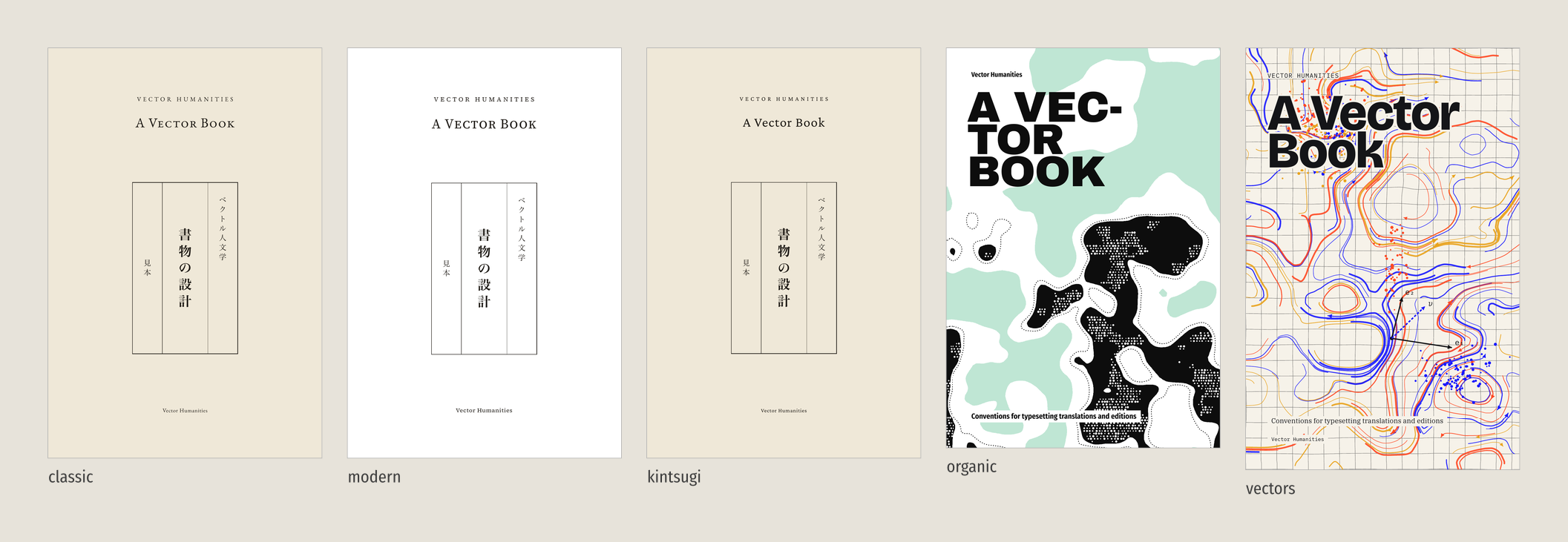
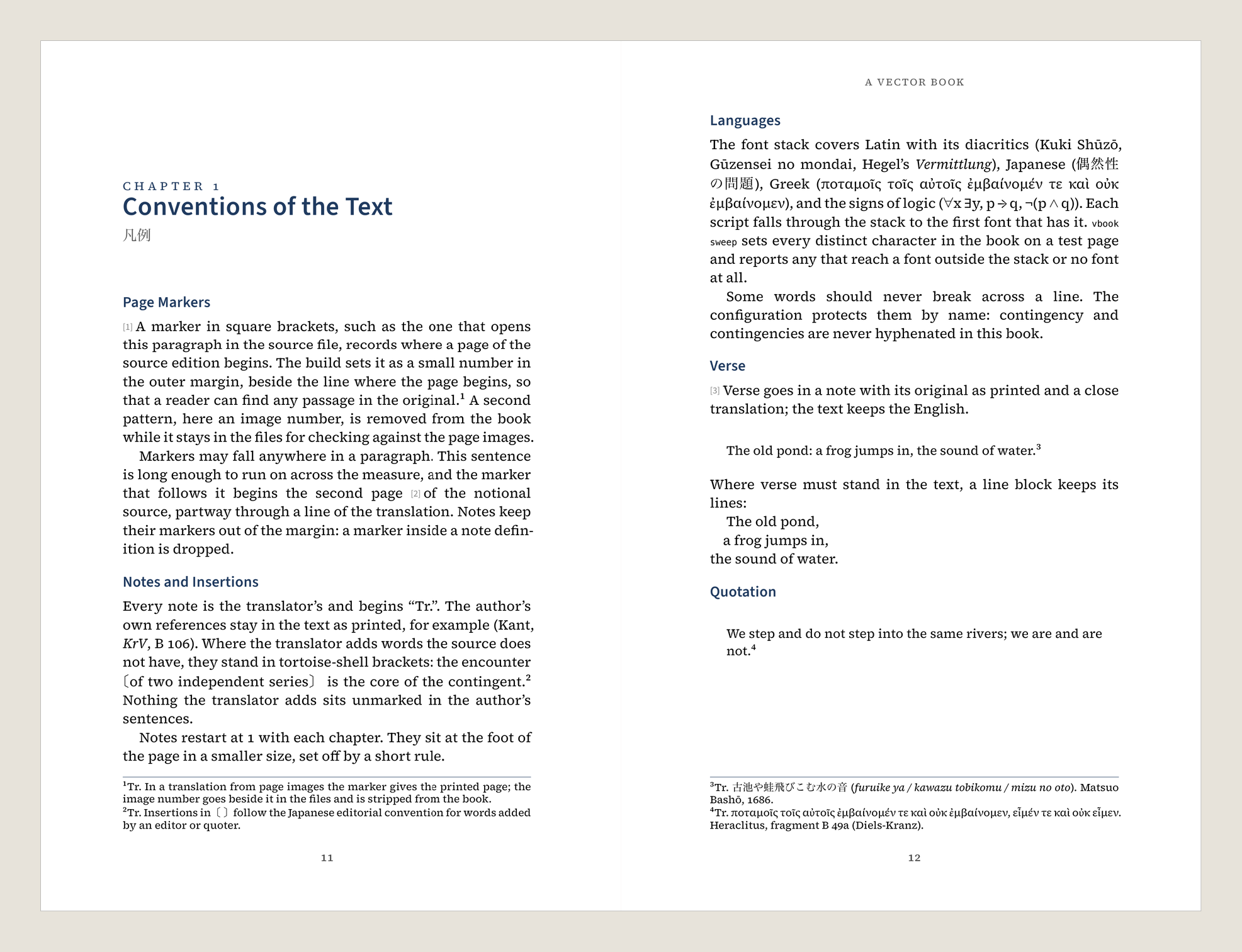
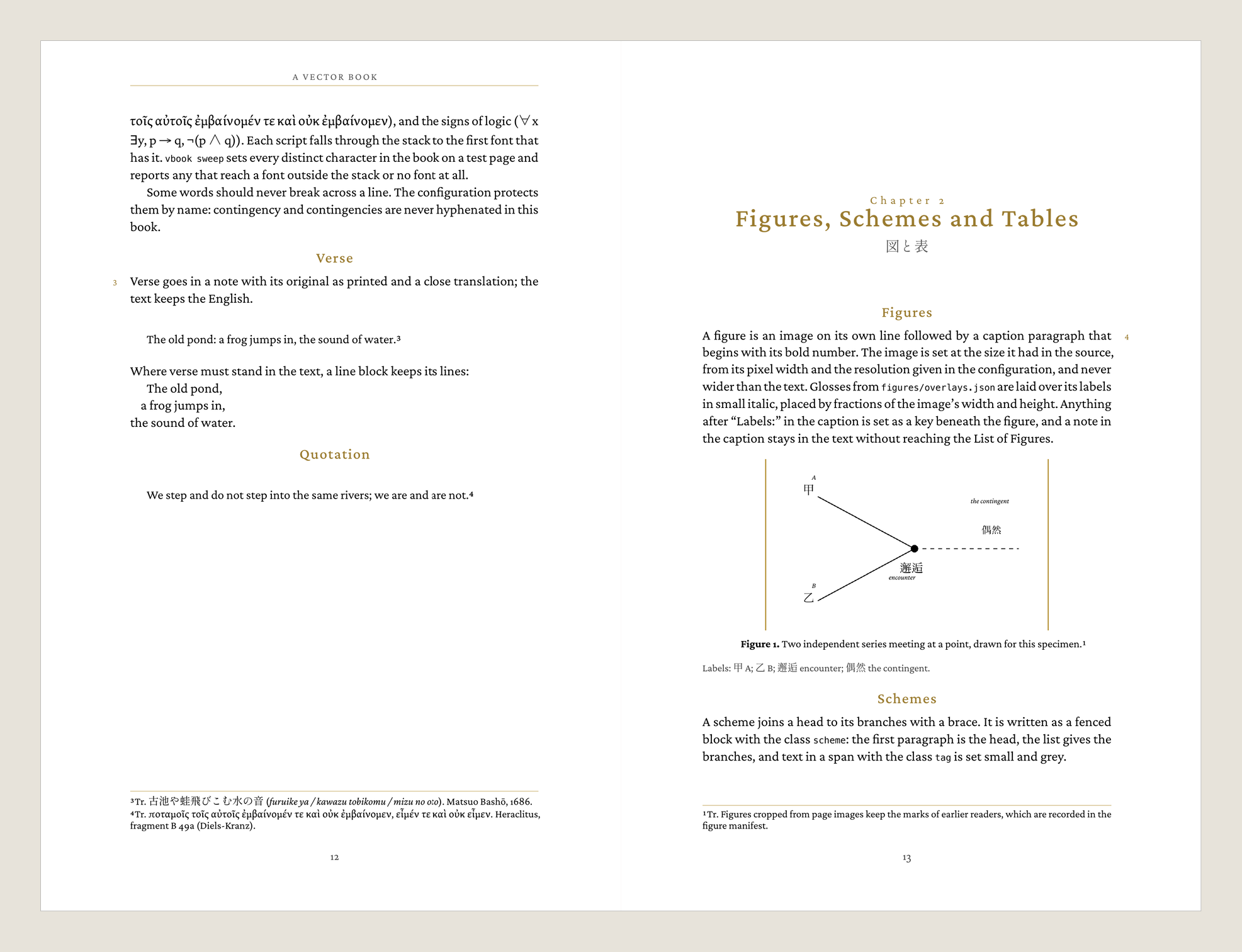
One book, every design
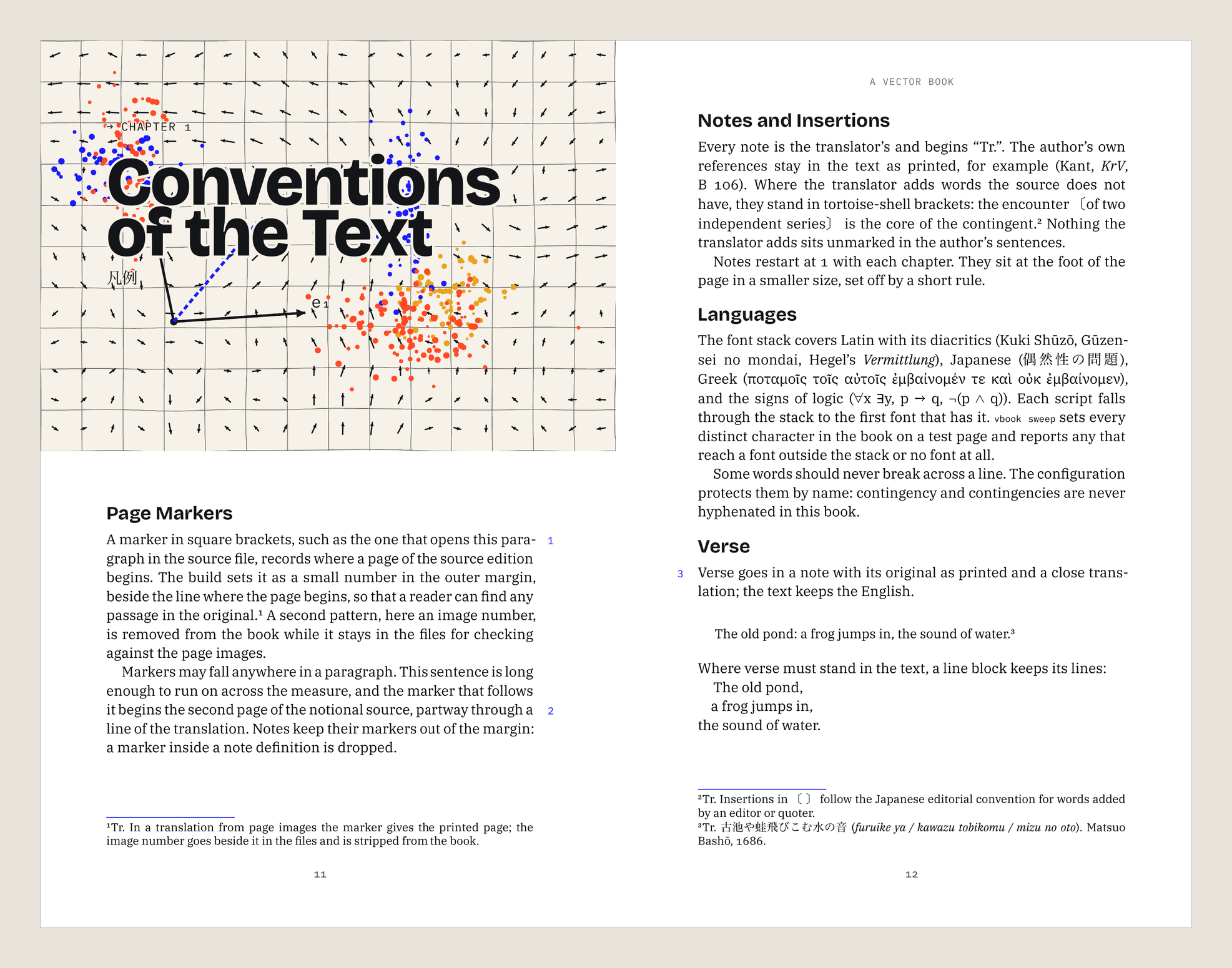
A book is a folder of Markdown section files and a short book.toml. vbook samples sets the same book in every design, so the choice is made on the book's own pages. The first book was the vector translation of Kuki Shūzō's 偶然性の問題 (The Problem of Contingency, 1935), shown here with its frame cover after the 1948 Iwanami title page and with a field cover.
Five designs
Designs
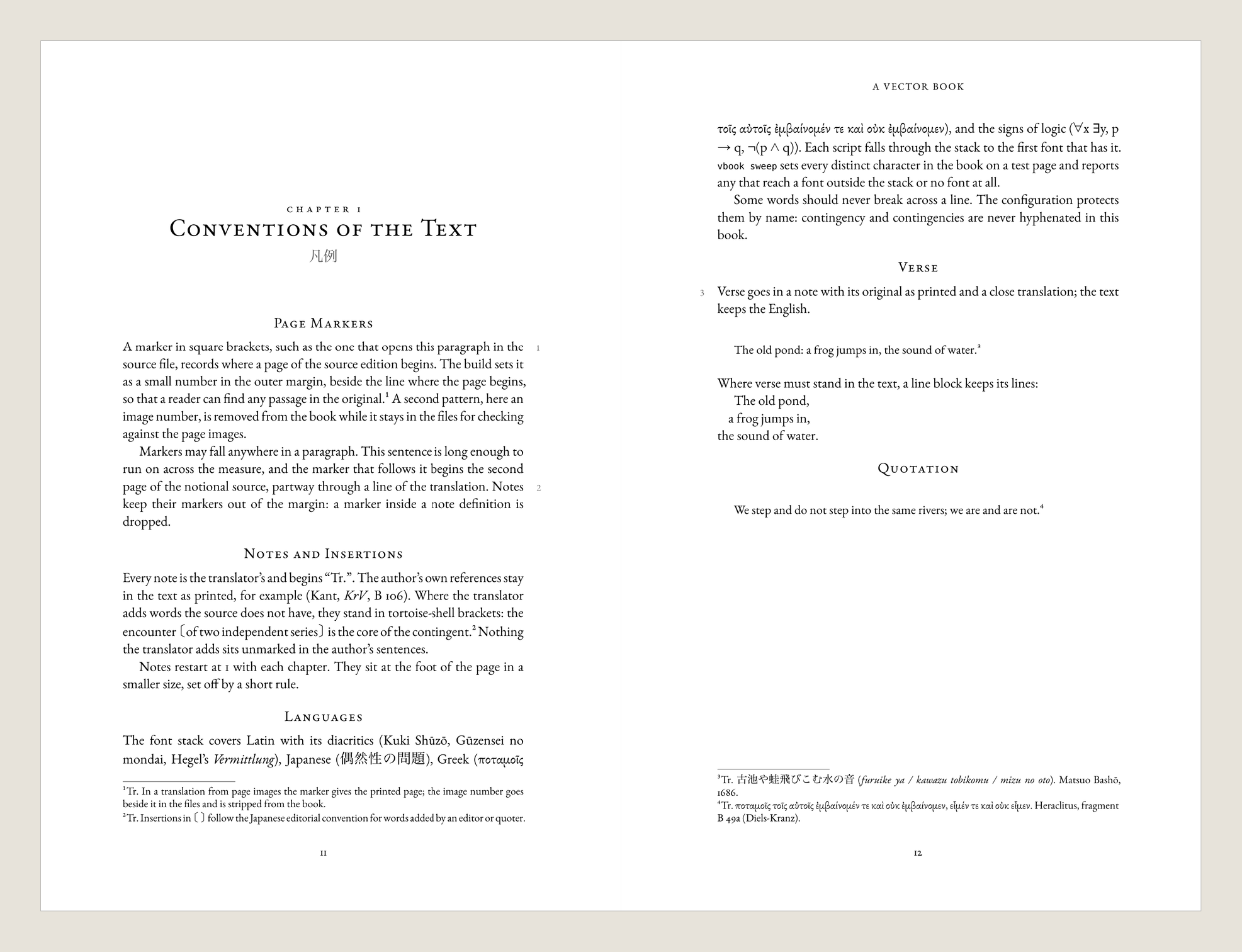
[12]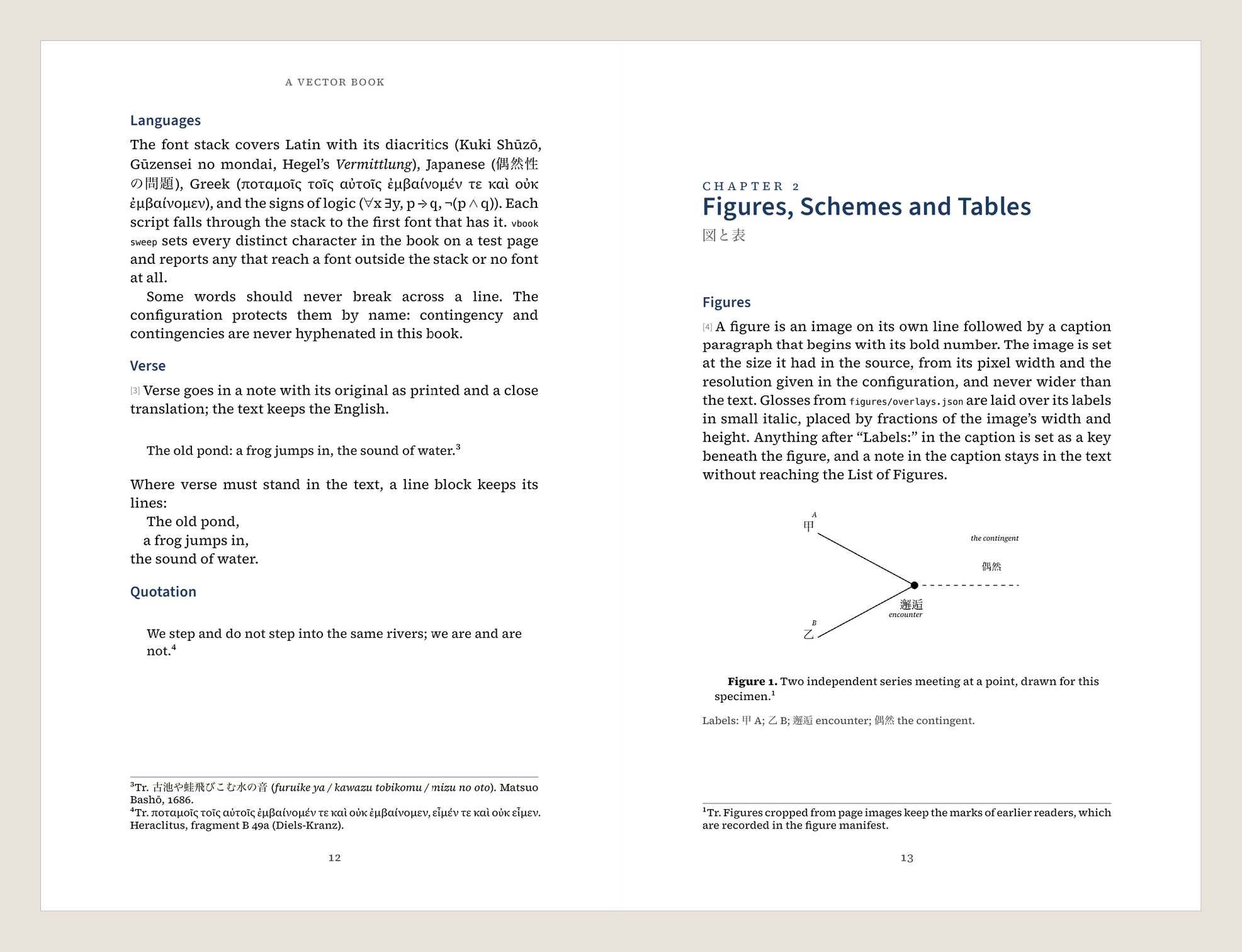
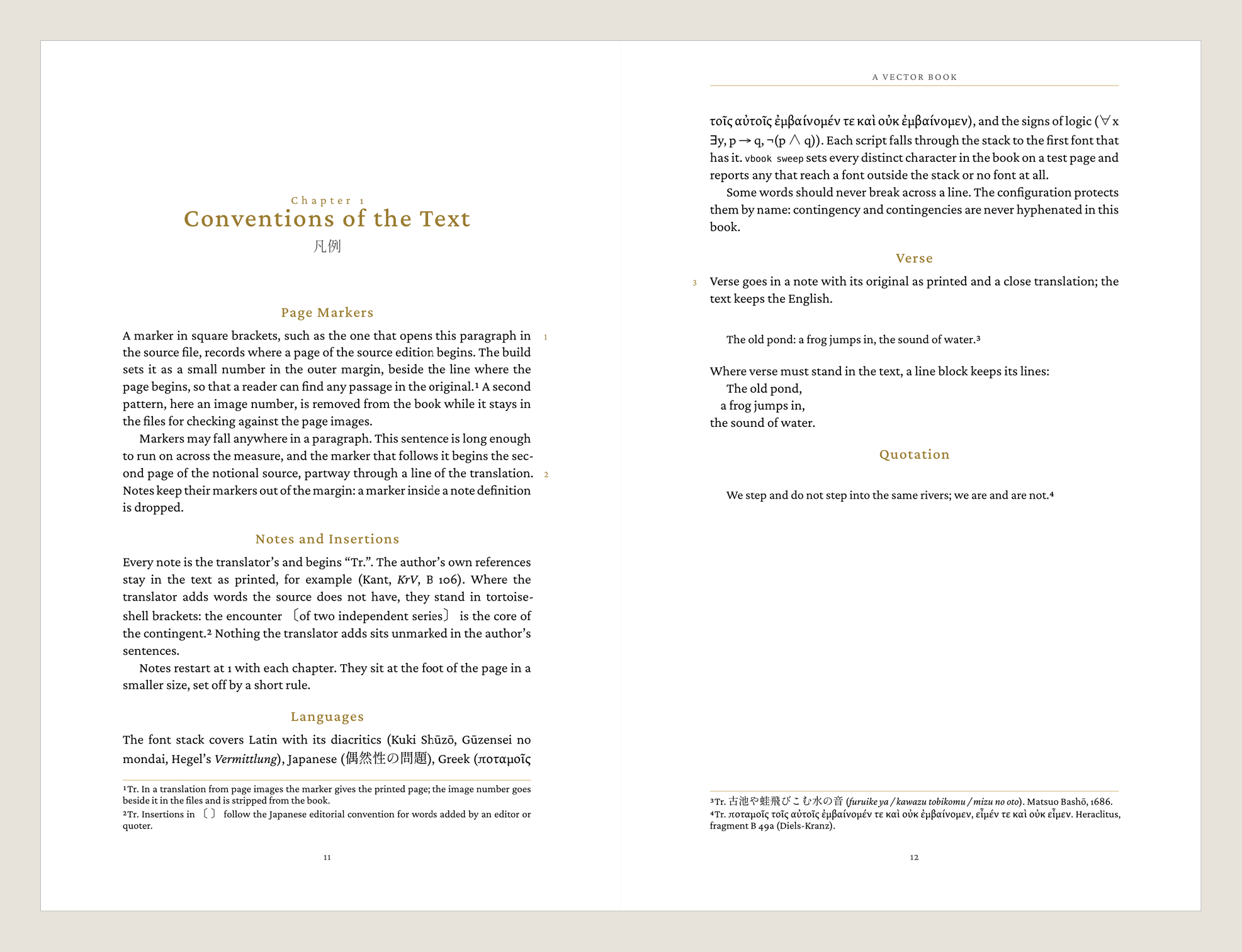
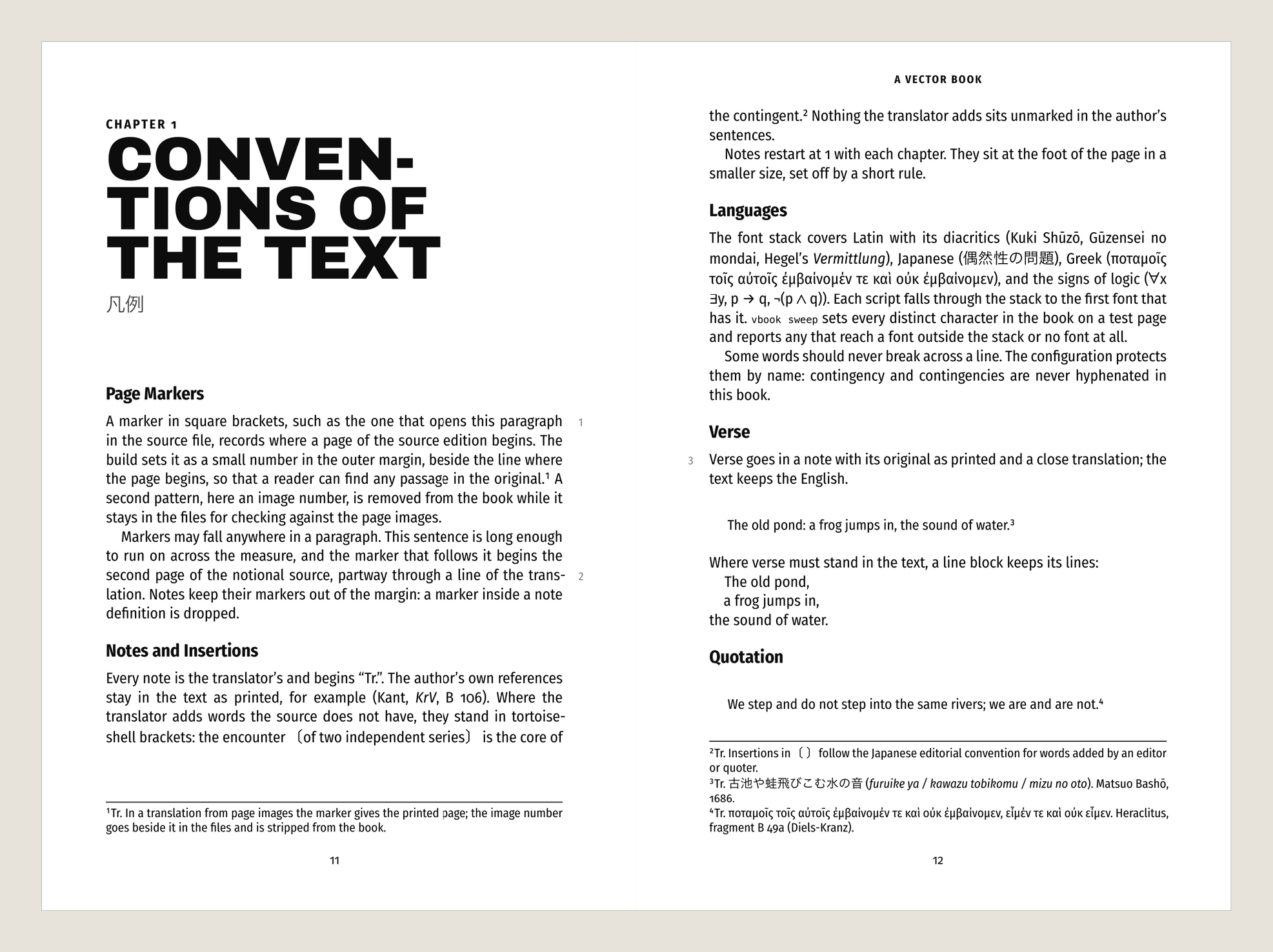

Organic
Fields drawn from the book
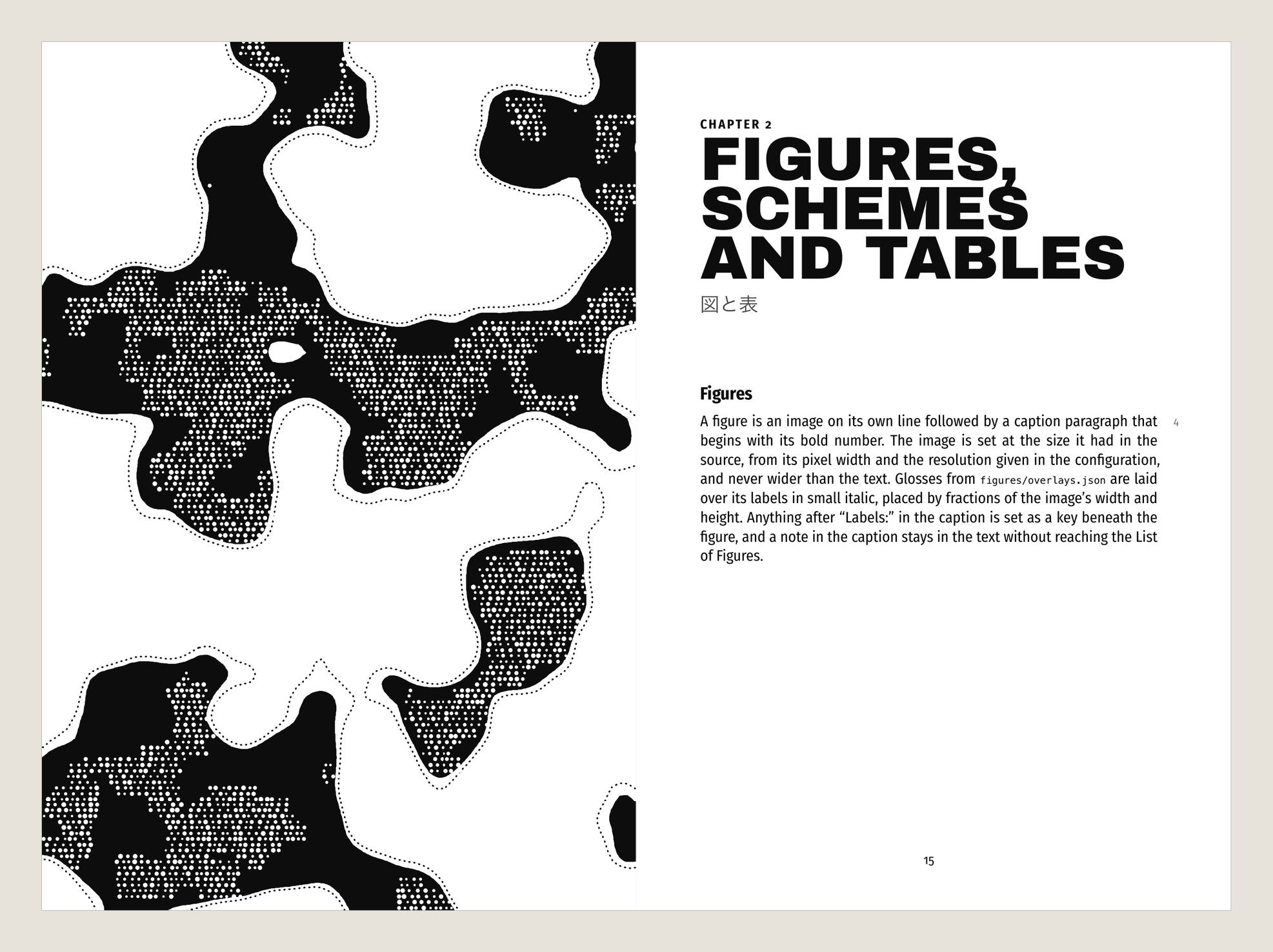
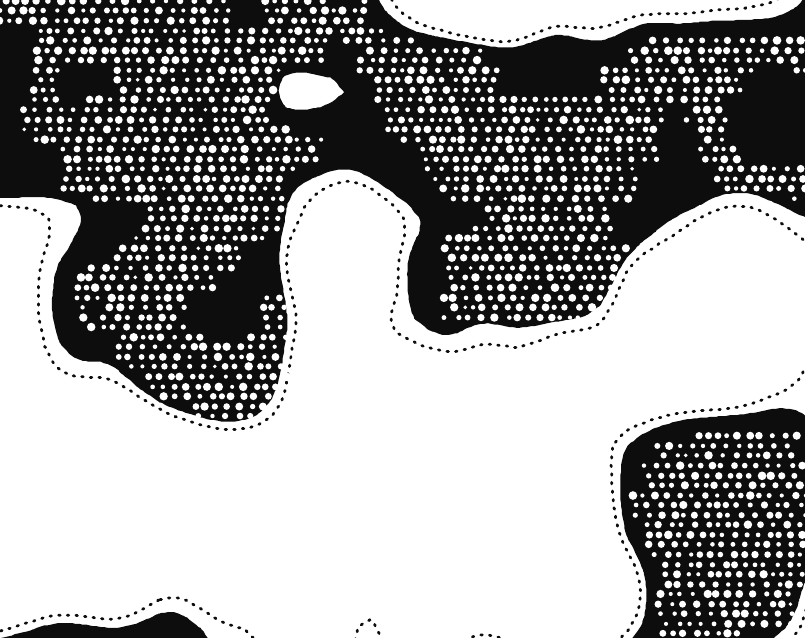
Before every chapter the organic design sets a field page: regions of solid ink with white stipple, a dotted contour, and colour, cut from a smooth noise surface seeded by the book's title and the chapter's place in it. The same book always draws the same fields, and no two books share one. On the cover the ink opens around the title, which Typst measures before the field is drawn, so the title never stands on black.
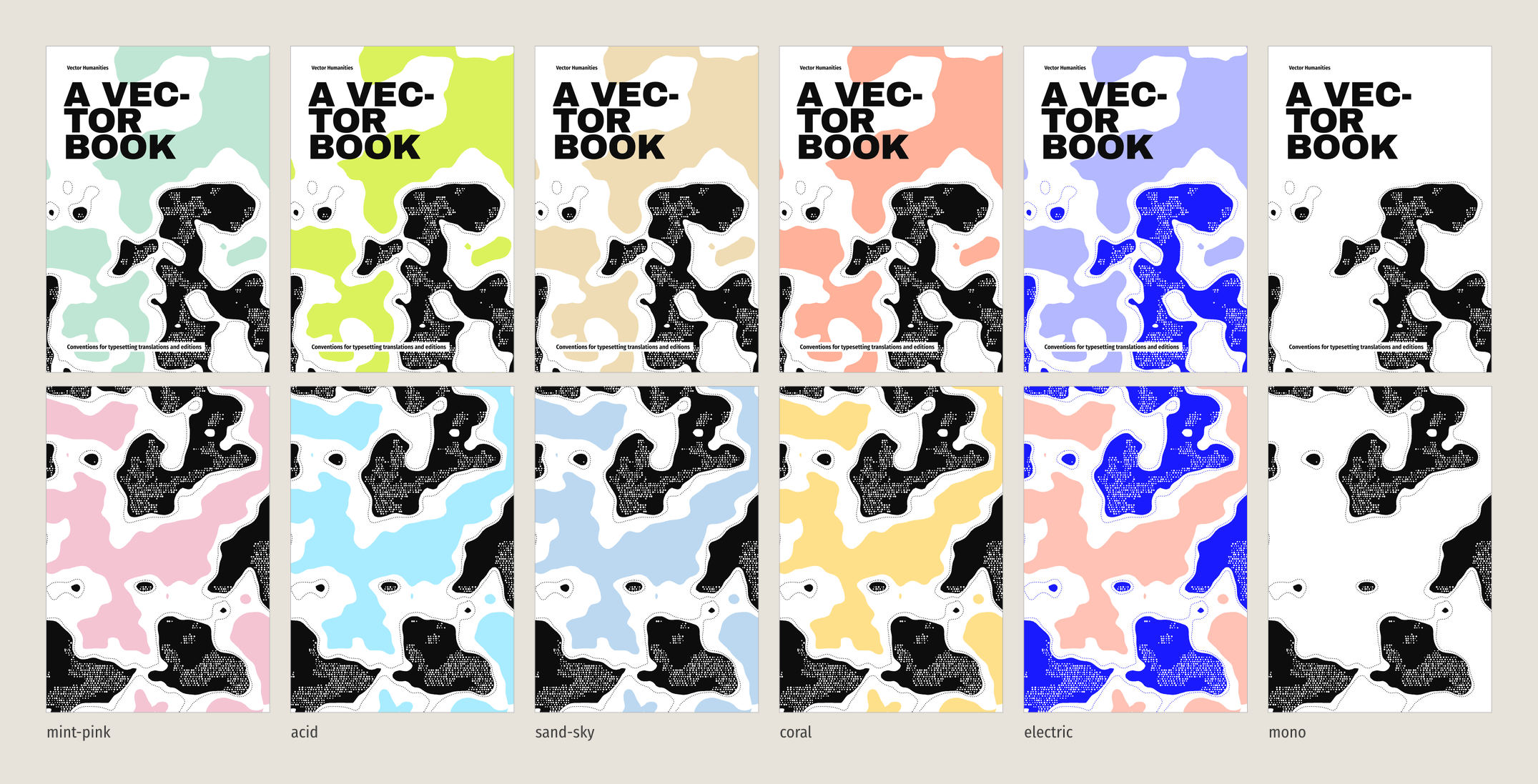
field-palette chooses the colours, field-colours sets your own, field-ink the solid regions: here black, and electric blue for the electric palette.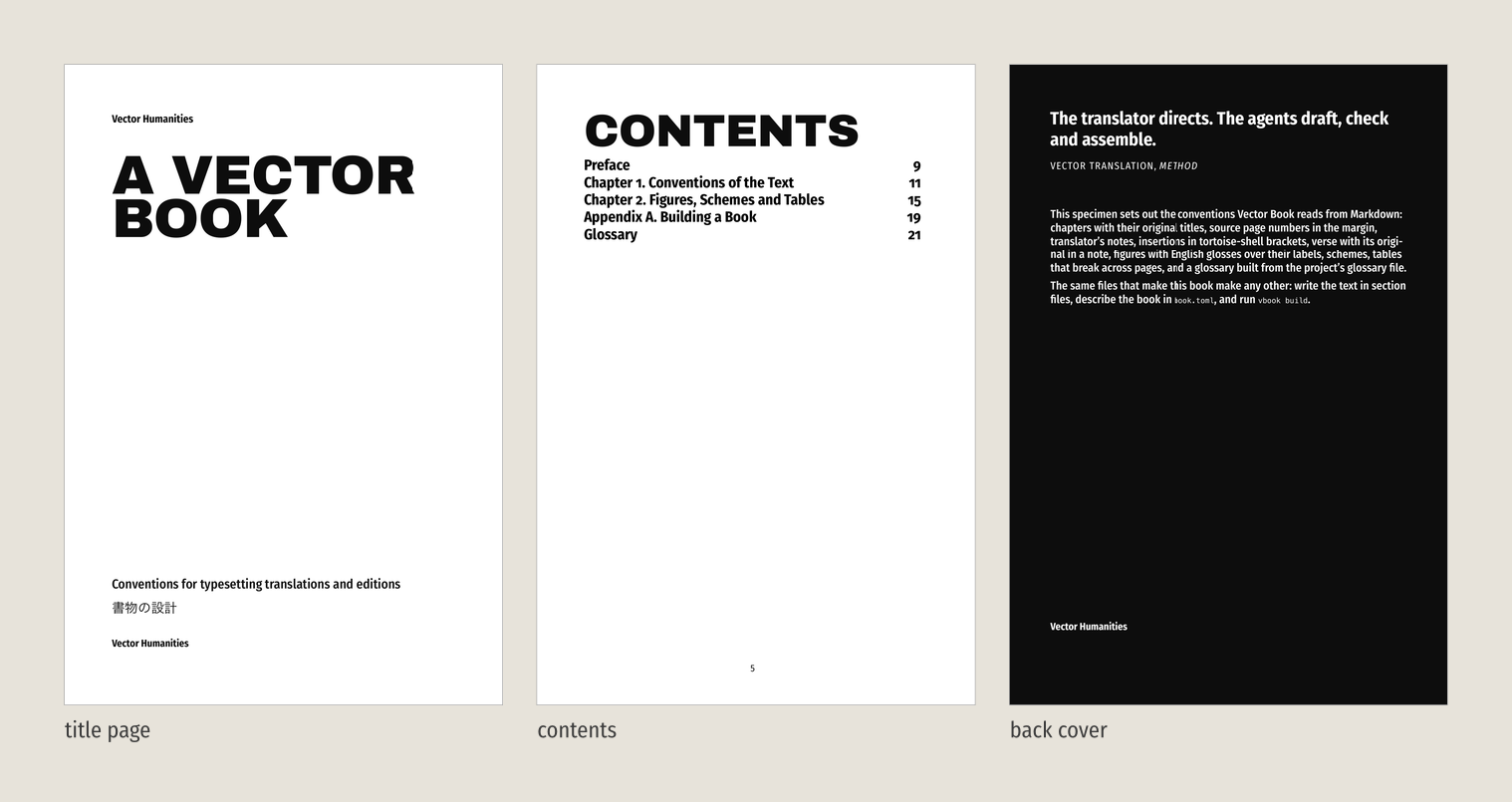
Vectors
Imagery drawn from vector spaces
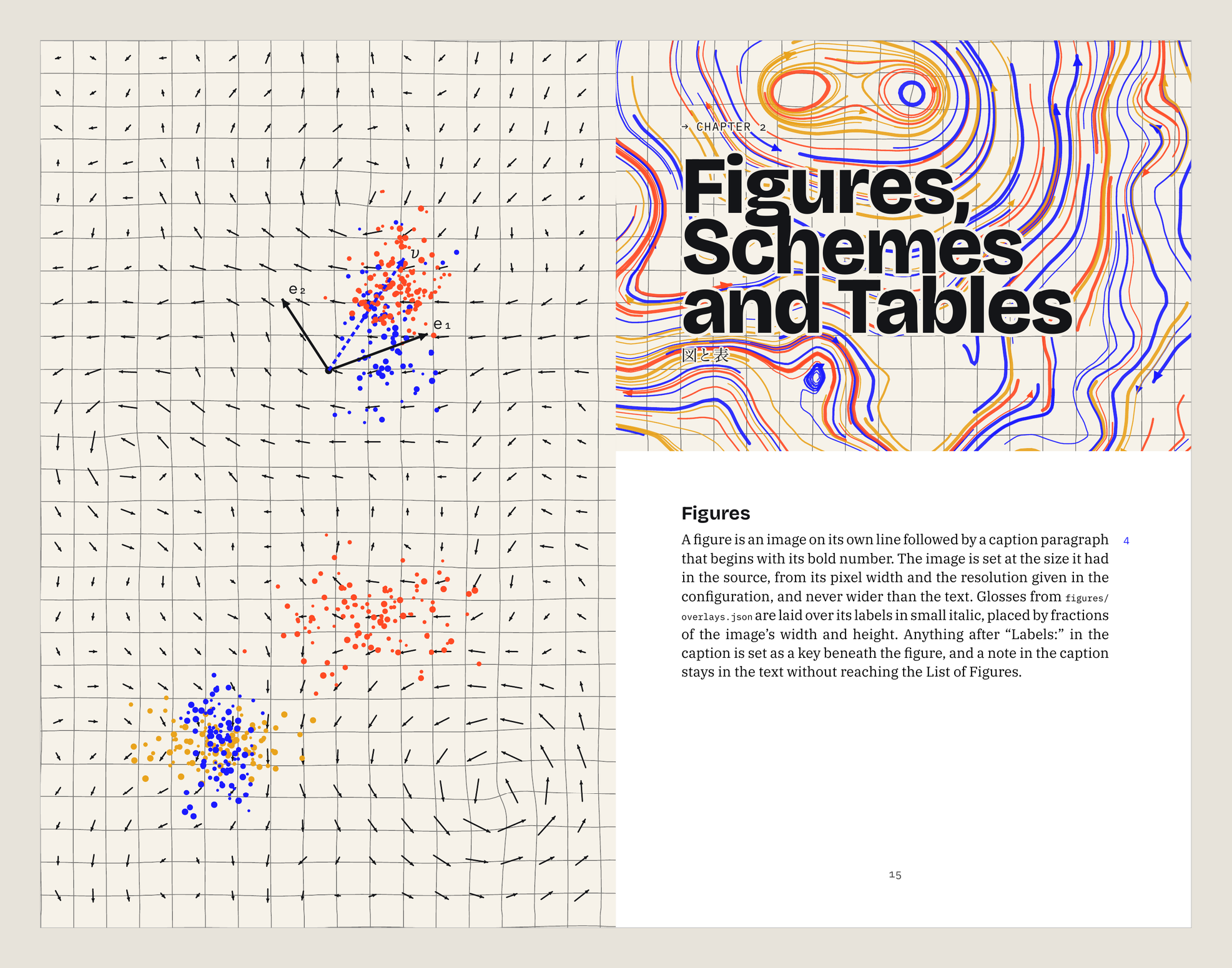
Each page of imagery is drawn from one flow field, the curl of a smooth noise surface with a few vortices and sources, seeded by the book's title and the chapter's place in it. From it come streamlines, an arrow field, tensor glyphs that lengthen where the flow is fast and round out where it rotates, a coordinate grid bent along the flow into a manifold, and point clouds with an origin and labelled basis vectors. Every other page inverts the palette. Titles over the imagery carry a halo in the ground colour, and their colour follows the ground's lightness, so they read on any palette.
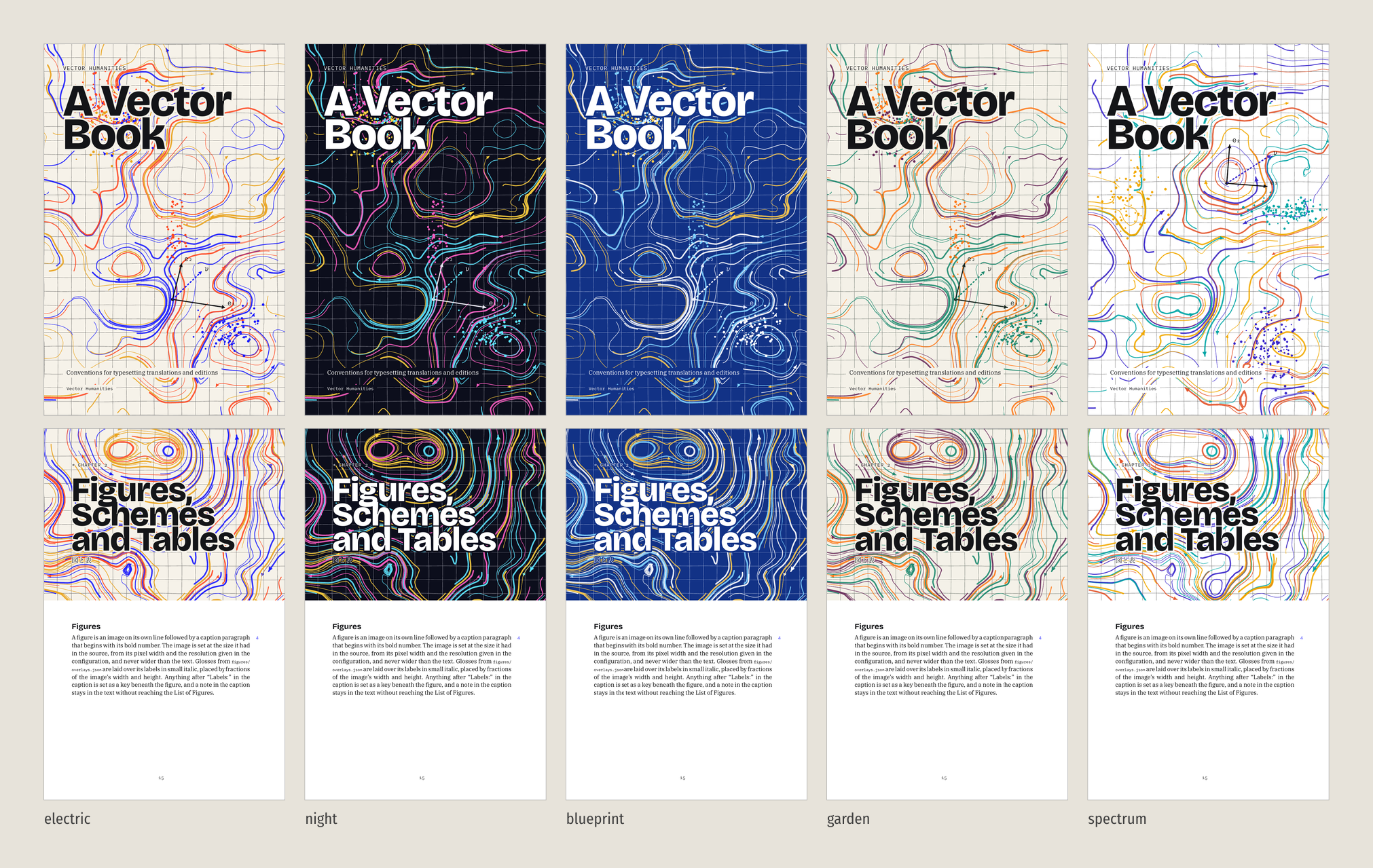
vector-palette: electric, night, blueprint, garden, spectrum; or your own ground, ink and colours.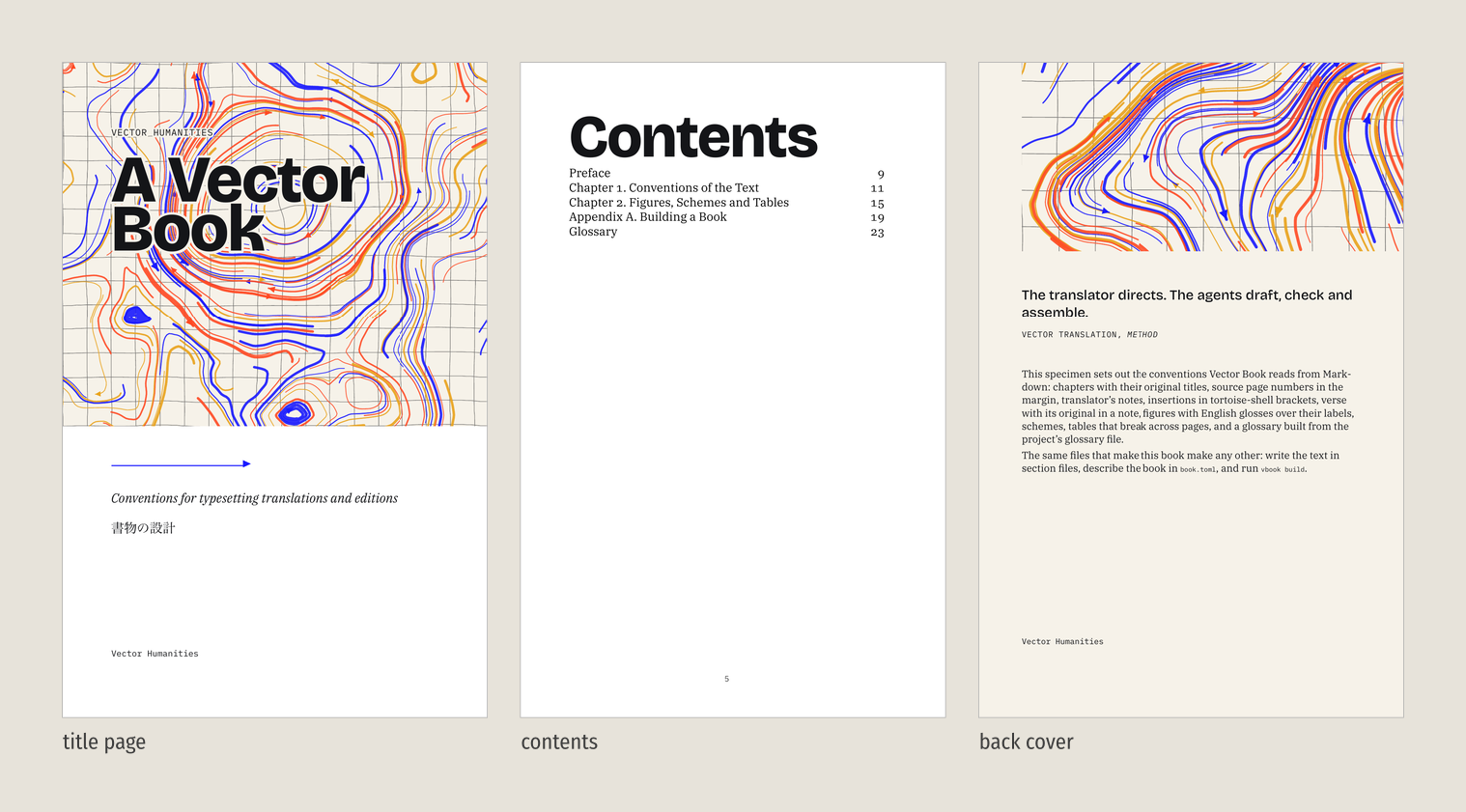
At print resolution
Details
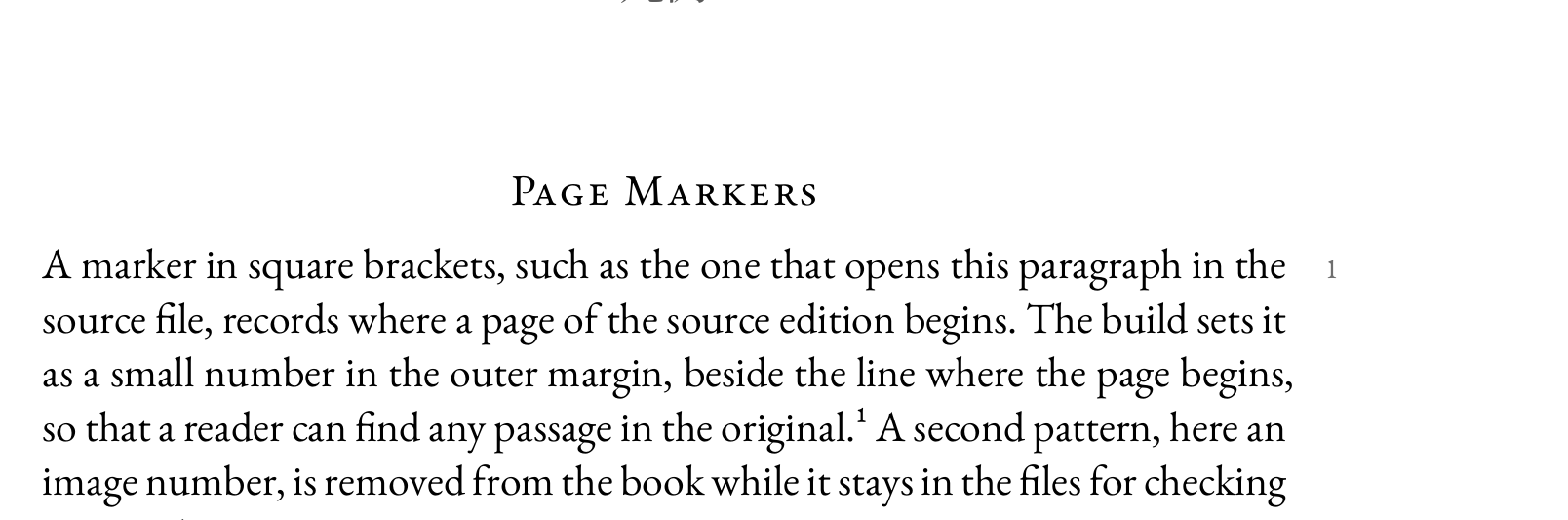
Source pages in the margin
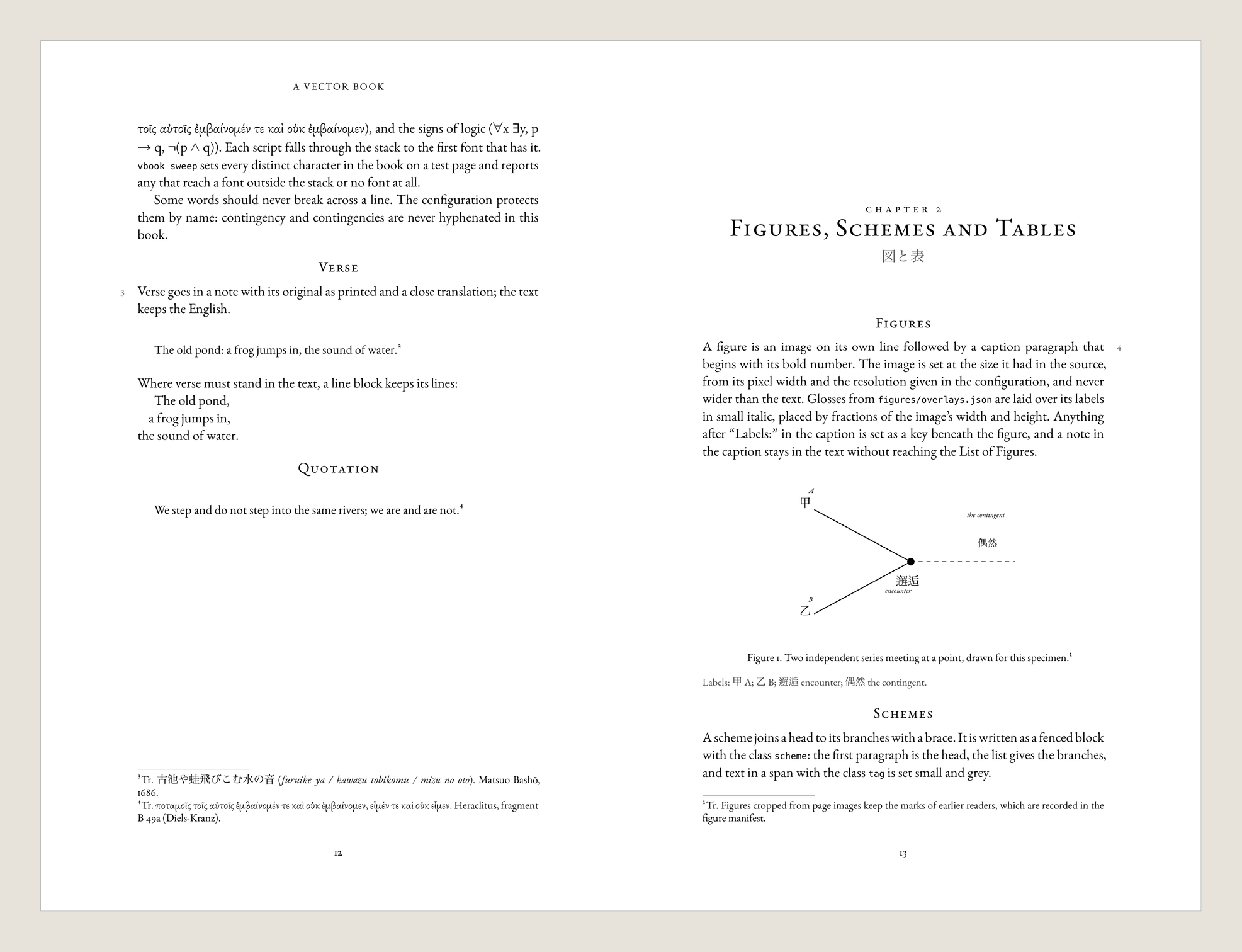
A marker [p. 12] in the text becomes a small number in the outer margin, on the baseline of the line where page 12 of the source begins.
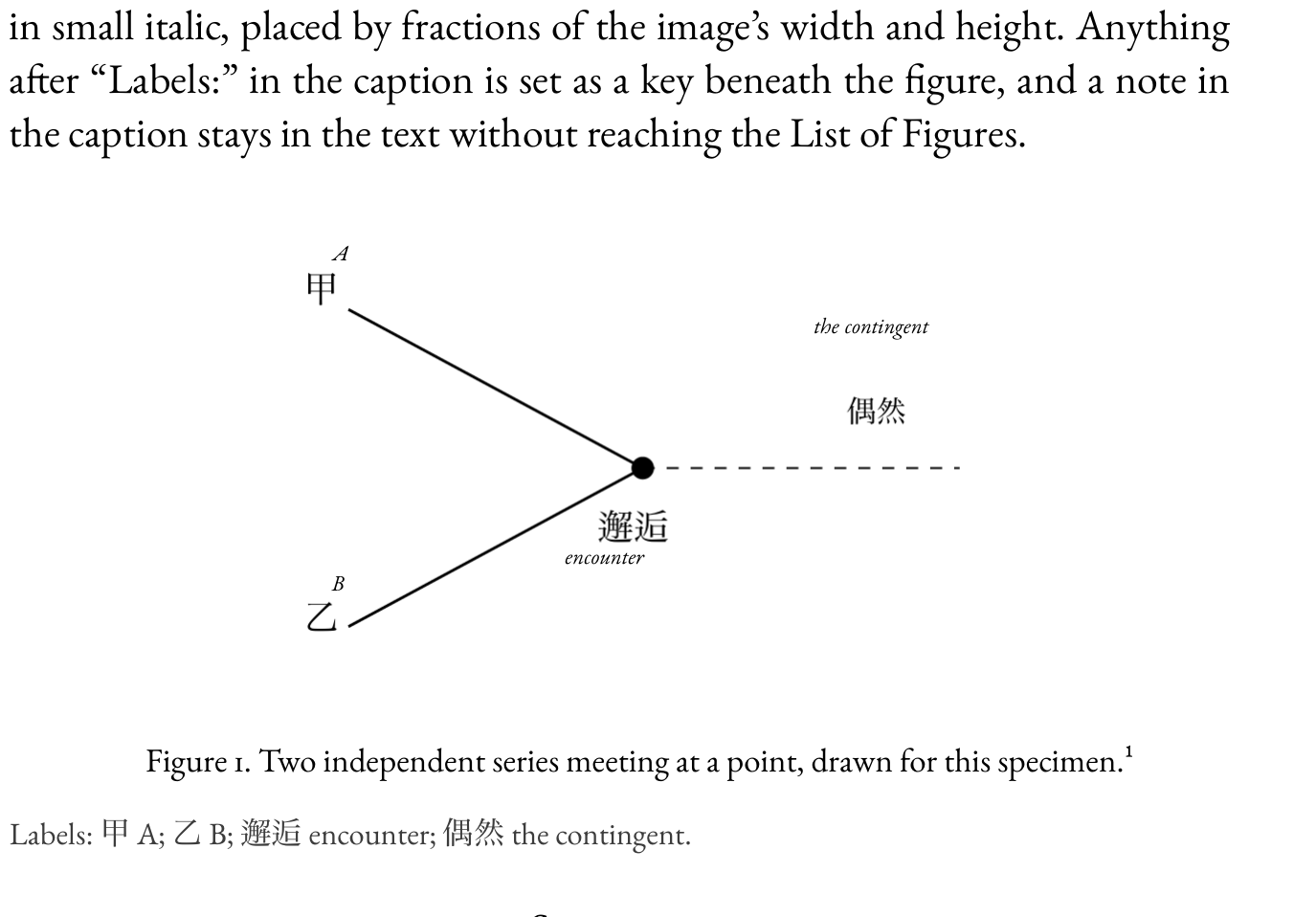
Figures with glosses
Figures at their size in the source; English glosses laid over their labels from a small JSON file; a key under the caption; a note in the caption kept out of the List of Figures.
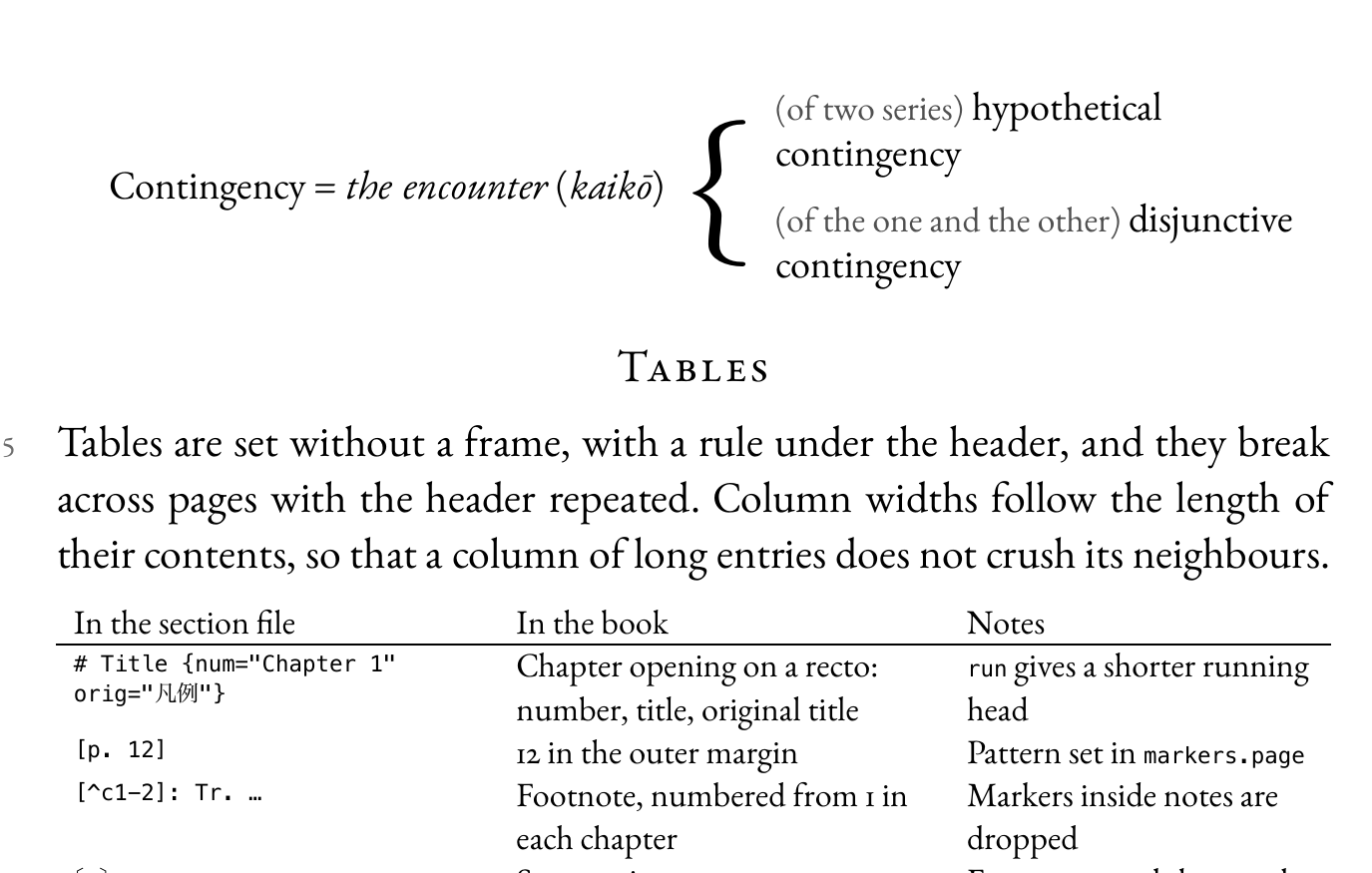
Schemes and tables
A head joined to its branches by a brace, written as a fenced block; tables that break across pages, their columns sized to their contents.
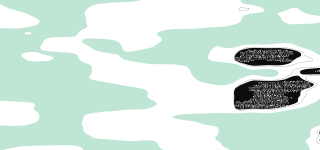
A field
Part of a generated field: solid ink with white stipple, the dotted contour that runs beside it, colour beyond.
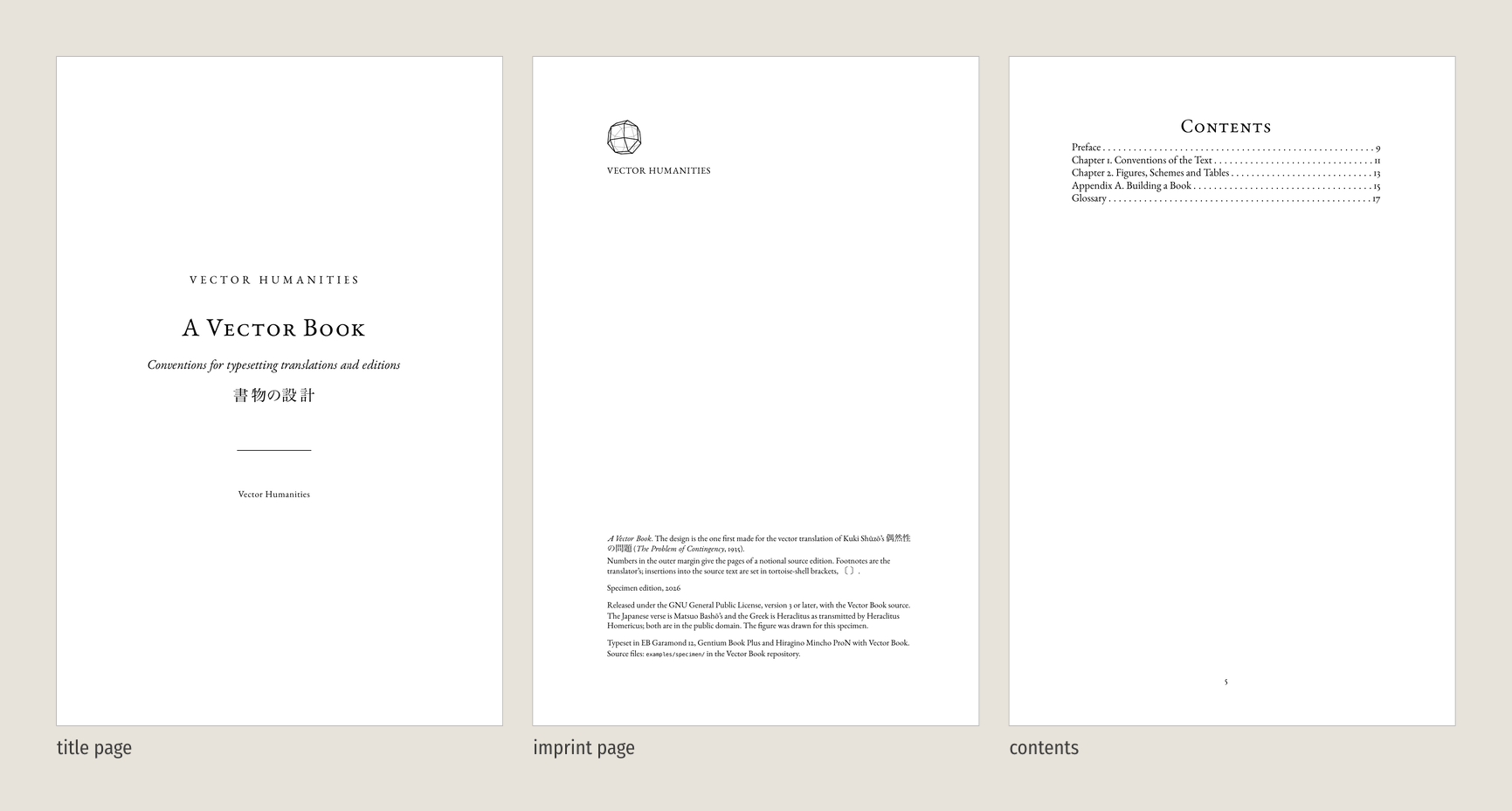
Front matter
The imprint page
Title page, imprint page and Contents, all from book.toml. The imprint page carries the publisher's mark and series, edition, copyright and moral rights, the licence, material outside it, the AI disclosure, cataloguing lines, an ISBN for each format, the DOI, and a typesetting line Vector Book writes from the faces the book's characters reach.
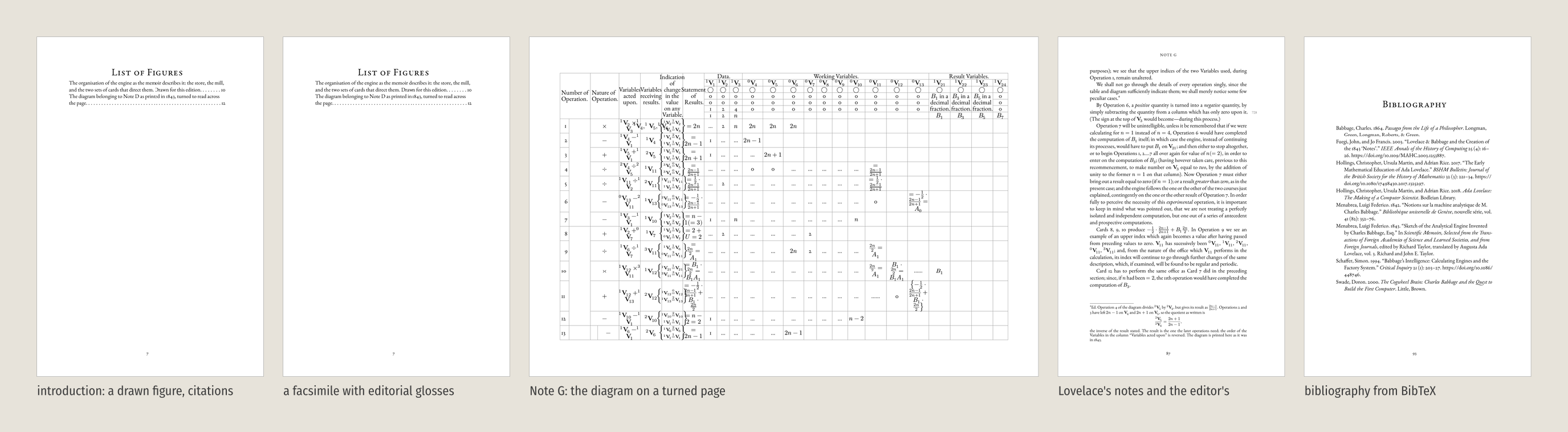
A sample edition
Sketch of the Analytical Engine
Menabrea's memoir of 1842 as Ada Lovelace translated it, with her Notes A to G, set from the Wikisource transcription of Scientific Memoirs (1843). The 1843 page numbers in the margin; Lovelace's footnotes and the editor's, in captions, table cells and chapter titles, some with quotations and displayed mathematics; Lovelace's tables and diagrams, the widest on turned pages; a drawn figure and a glossed facsimile; a glossary; a bibliography formatted from BibTeX. The PDF, and its sources.
Vector Translation, stage 7
From translation to book
A finished vector translation passes to Vector Book through one manifest, and comes back through numbered returns. The book side never edits the text; the translation side applies every correction to the literal translation and the translation together.
Text gate
The translation's checks pass and the translator signs off the text.
Manifest
book.toml: the translation side writes the book and its sources, the design side the design and covers, the publisher the imprint.
Build
vbook check --report writes the book and a build report: notes and figures set against the sources, missing glyphs.
Returns
vbook return writes located faults for the translation side; the translation side checks the PDF word by word in return.
Book gate
Every return and check closed; the translator signs off the book with the Vector Book commit.
Identifiers
ISBN and DOI last; the book is rebuilt with them and released.
Use
Making a book
From an empty folder to a PDF in nine steps, run on macOS; on Linux the same commands work once the programs and fonts are installed, with open fonts in place of the Apple ones.
Install
Python 3.11 or later (standard library only), Pandoc 3, Typst 0.13 or later, and Poppler, whose pdffonts and pdfinfo the checks use. With Homebrew:
brew install python pandoc typst poppler
git clone https://github.com/vector-humanities/vector-book.git
Then the fonts of the designs you want. Hiragino, Menlo and Apple Symbols come with macOS; the rest are open fonts.
| Design | Fonts | Homebrew casks |
|---|---|---|
| all | Gentium Book Plus, Noto Serif JP, STIX Two, DejaVu Sans Mono | font-gentium-book-plus font-noto-serif-jp font-stix font-dejavu |
| classic | EB Garamond 12 | font-eb-garamond |
| modern | Source Serif 4, Source Sans 3 | font-source-serif-4 font-source-sans-3 |
| kintsugi | Crimson Pro, Shippori Mincho | font-crimson-pro font-shippori-mincho |
| organic | Fira Sans Condensed, Archivo Black | font-fira-sans-condensed font-archivo-black |
| vectors | IBM Plex Serif and Mono, Bricolage Grotesque, Space Grotesk | font-ibm-plex-serif font-ibm-plex-mono font-bricolage-grotesque font-space-grotesk |
brew install --cask font-gentium-book-plus font-noto-serif-jp font-stix font-dejavu font-eb-garamond
vbook fonts mybook prints the stacks of the book's design and marks each face ok or missing.
Start the book
Vector Book stays in its own folder and is called by path; nothing is copied into the book's repository. vbook new makes a book folder from the starter project:
./vbook new mybook

mybook/
  book.toml               # title, credits, design, sources, imprint, cover, back
  front/00-preface.md     # front matter, in filename order
  text/01-introduction.md
  back/                   # appendices; the glossary is set last
  figures/overlays.json   # English glosses laid over figure labels
  proof/return.md         # the form for returns to the translation side
A book that already exists as a document comes in through vbook import, which reads anything Pandoc reads: Word, OpenDocument, Markdown, HTML, EPUB, LaTeX. It splits the document at its level-one headings into numbered section files, keeps each footnote with its chapter, extracts the images to figures/, and writes book.toml with the document's title.
./vbook import mybook draft.docx
Fill in book.toml
[book] holds the title, subtitle, author, original title, credit line (“Vector translated by …”), affiliation and credits paragraph. Under [design], template picks the design and cover the cover (plain or frame for classic, modern and kintsugi; organic and vectors bring their own). [sources] lists the section files by glob, [markers] gives the page-marker pattern, and [imprint] fills the page behind the title page: publisher, series, edition, copyright, licence, AI disclosure, cataloguing, ISBN and DOI.
Every key is in config.md. A key left out takes its default, and a missing imprint field leaves no gap.
Write the text
One Markdown file per section, numbered in reading order. A level-one heading opens a chapter, with attributes for its number, original title and running head:
# Categorical Contingency {num="Chapter 1" orig="定言的偶然" run="Categorical Contingency"}

[p. 12] The chapter's text, page twelve of the source beginning here.[^c1-1]

[^c1-1]: Tr. A translator's note.
[p. N] marks where a page of the source begins and is set in the margin. Notes are Pandoc footnotes with labels unique across the book. A figure is an image on its own line followed by a caption paragraph beginning Figure N., with glosses for its labels in figures/overlays.json. Working notes between <!-- working --> and <!-- /working --> stay in the files and out of the book. Schemes, breaks, verse, tables, the glossary and raw Typst are in conventions.md.
Build and check
./vbook build mybook     # book/book.pdf, or [book] output
./vbook check mybook     # rebuilds, then:
pages    10
notes    1 set, 1 defined in the sources
figures  0 set, 0 in the sources
glyphs   no missing glyphs
A note or figure the sources define and the book does not set is a fault to fix before going further. check --report writes the same to book/BUILD.md with the Vector Book commit and the commit of the book's own repository, so the book can be rebuilt from the same text with the same version. Build after every chapter is added; each fault listed in practice.md would have shown in a one-chapter book.
Fonts and characters
./vbook sweep mybook
Sets every non-ASCII character in the book on test pages, grouped by Unicode block, and reports a character that falls back to a font outside the stack or reaches none. A missing glyph is fixed by adding a face to [design] fonts.text. A fonts/ folder in the book folder is passed to Typst, so a book can carry its own open fonts for builds away from macOS.
Choose the design
./vbook samples mybook # build/samples.png, build/samples/<design>.pdf
Sets the book's own pages (title page, chapter opening, a text page, a figure, the last chapter) in all five designs side by side, so the design is chosen on the text being typeset. The choice goes in [design] template. Organic takes field-palette and vectors vector-palette, or your own colours; the generated imagery is seeded by the title, so each book has its own.
Proof and return
./vbook proof mybook                # build/proof.png, every page on one sheet
./vbook proof mybook --pages 1-12   # some pages only
./vbook return mybook               # check, then proof/return-NN.md
return lists the faults the checks can locate (duplicate or undefined note labels, missing images, unkeyed captions, glyph faults) with file and line, for the translation side to fix in the sources. Proofreading adds its findings beneath them by hand. handover.md sets out the kinds, the responses and the book gate. Rebuild after each round.
Publish
Add the ISBN and DOI to [imprint] when they are assigned, rebuild, and run check --report for the final BUILD.md. The PDF in book/ is the book.
The specimen uses every convention and builds to specimen.pdf; its files show how each is written.